The darkroom for AI photography
24 effects
Develop aphotograph younever took.
Restore it, redraw it, or set it moving. Every price is on the card before you press the button, and a failure costs you nothing.
 01Margin NotesImage · 40 CR
 02Clean NegativeImage · 40 CR
 03Wardrobe SwapImage · 40 CR
 04Wax & WonderImage · 40 CR
 05Golden FieldVideo · 75 CR
 06Second ExposureVideo · 60 CR
 07Everyone in FrameVideo · 60 CR
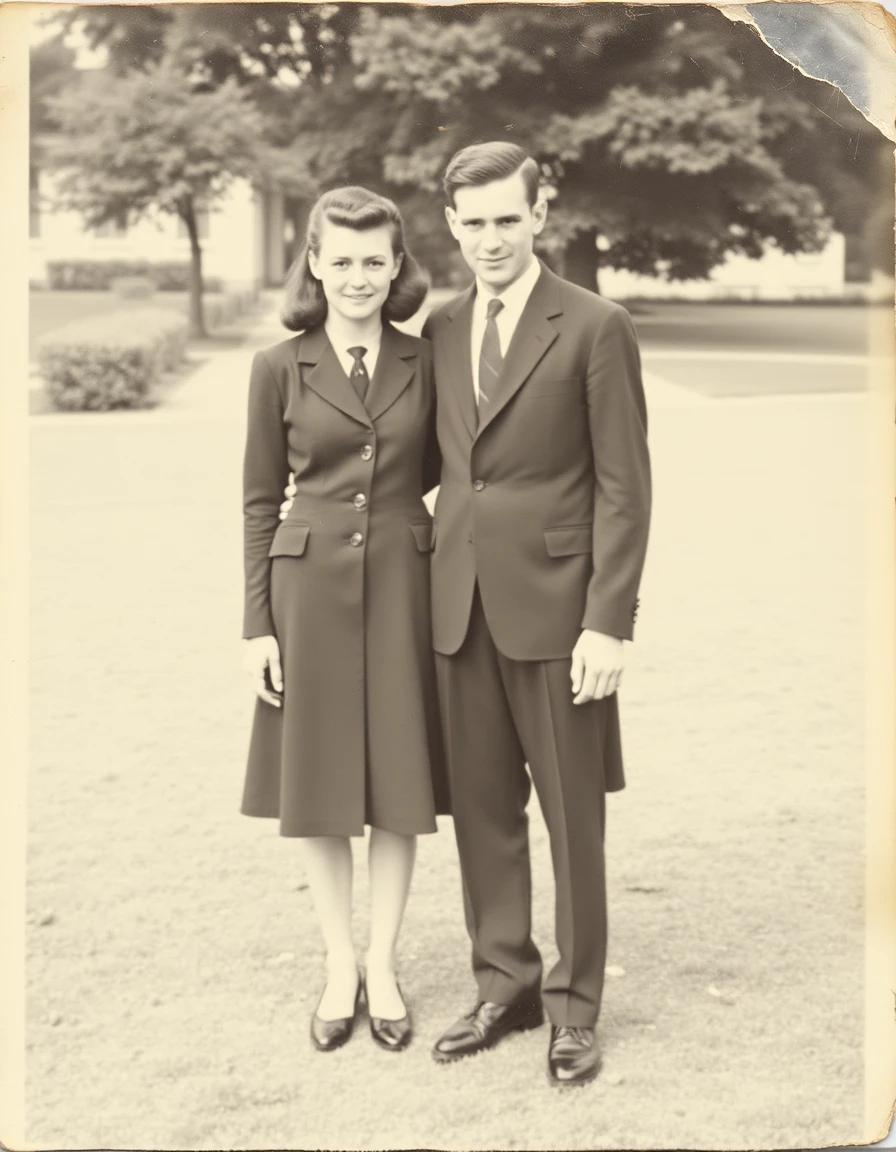

Real output from this catalogue. Move the light across a frame to see what went in.
- Restore
- Redraw
- Animate
- Recompose
- Relight
- Reunite
- Reprint
01
How it works
01
Upload
One photo, or two. JPEG, PNG and WebP all work, and the location data is stripped on the way in. iPhones shoot HEIC by default — switch Camera → Formats → Most Compatible, or share the photo to convert it.
02
Pick an effect
Every card shows the cost, the output and the wait before you commit to anything.
03
Develop
Watch the phases or leave the page. It lands in your library either way, and you are only charged when it works.
02
The catalogue
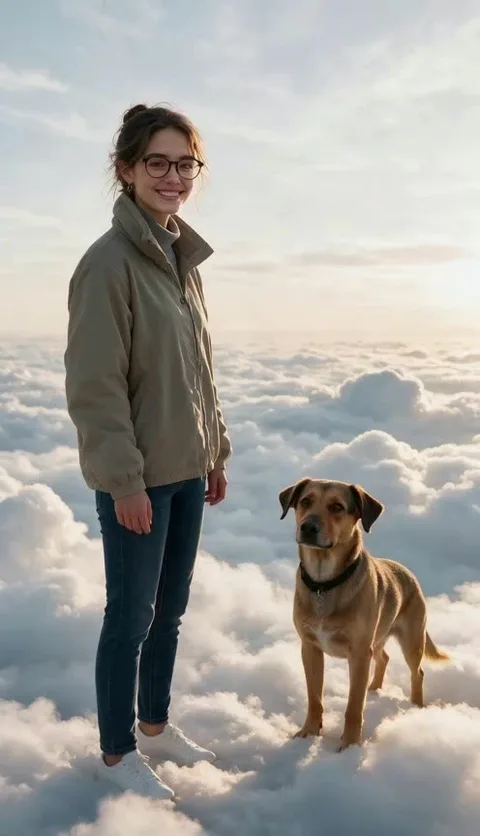
24 effects, each one a fixed price and a known wait. Every frame we have rendered ourselves is captioned as a real result.

03
Pay for what you print
Credits, not a meter you cannot see. The price of a job is on its card before you press the button.
04
Questions people actually ask
What is a credit worth?
A credit is a unit of machine time. A photo effect costs 40–50 credits; a five-second video costs 60–75; a narrated Reel Press video is metered by length and quality. Every price is shown before you press Develop, together with the balance you will have afterwards.
What happens if a generation fails?
You are not charged. Credits are held while the work runs and only debited on a successful result. A terminal failure releases the hold automatically, the library row says so, and there is a one-tap retry.
Do credits expire?
Not while your account is open. Subscription credits roll over up to twice the monthly grant.
Who owns the results?
You do. We keep your outputs while the account is active so your library keeps working, and we delete uploaded originals after 30 days. Deleting a frame purges both copies within 24 hours.
Do you train models on my photographs?
No. Your uploads go to the model that renders your job and nowhere else. We do not sell them and we do not use them as training data.
Can I make pictures of people I know?
You can use photographs you took or have the right to use. Public figures, other people’s photographs and trademarked characters are out of bounds — the content policy sets out the detail.